Loading
Take control of your Mercedes.
Map updates, car lookup and vehicle coding for your Mercedes. Start with your VIN to find what fits.
Used by ... Mercedes owners
Built to replace the dealership trip.
Identify your Mercedes, choose a compatible navigation update or explore coding options for the equipment fitted to your car.
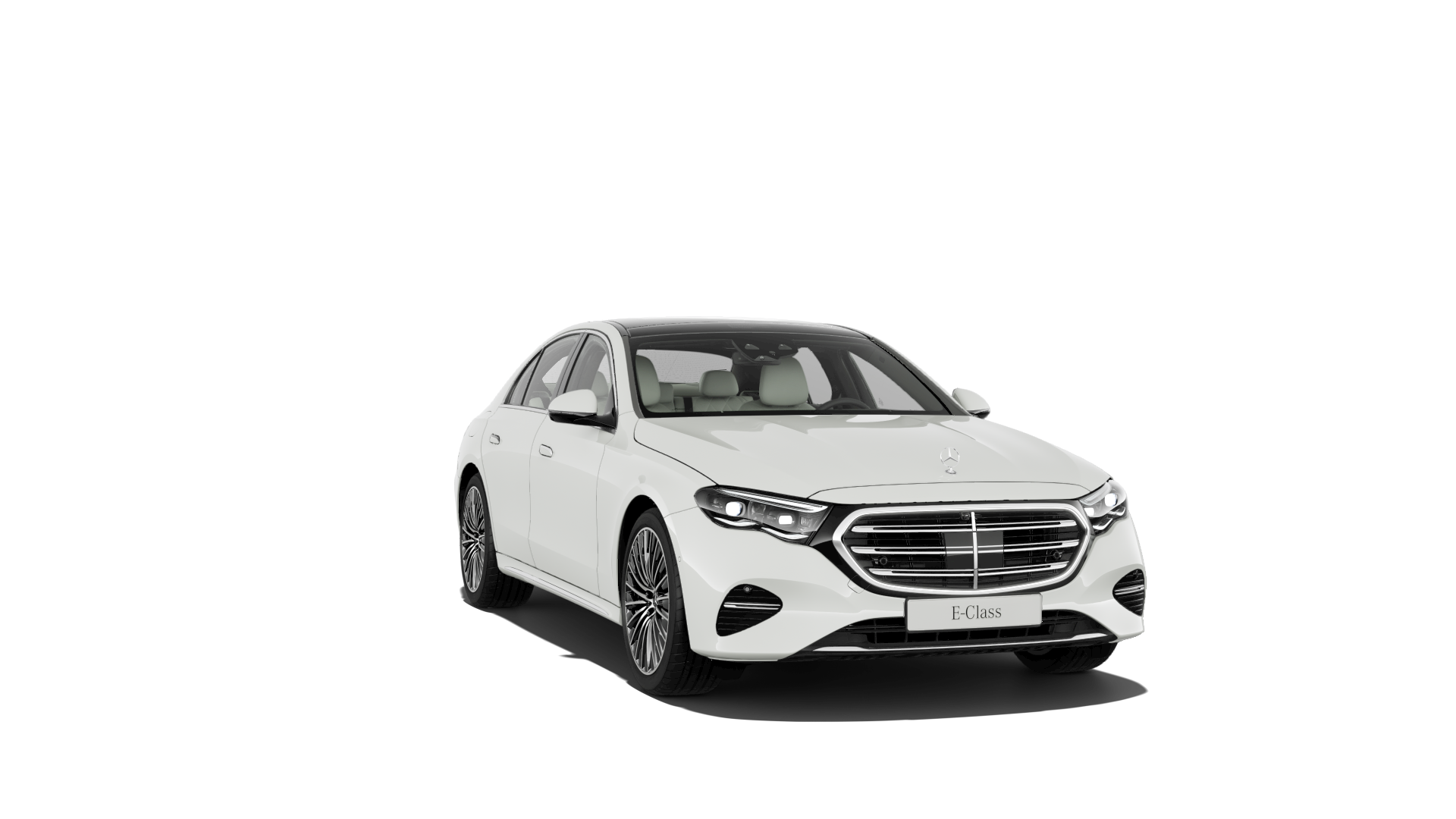
01
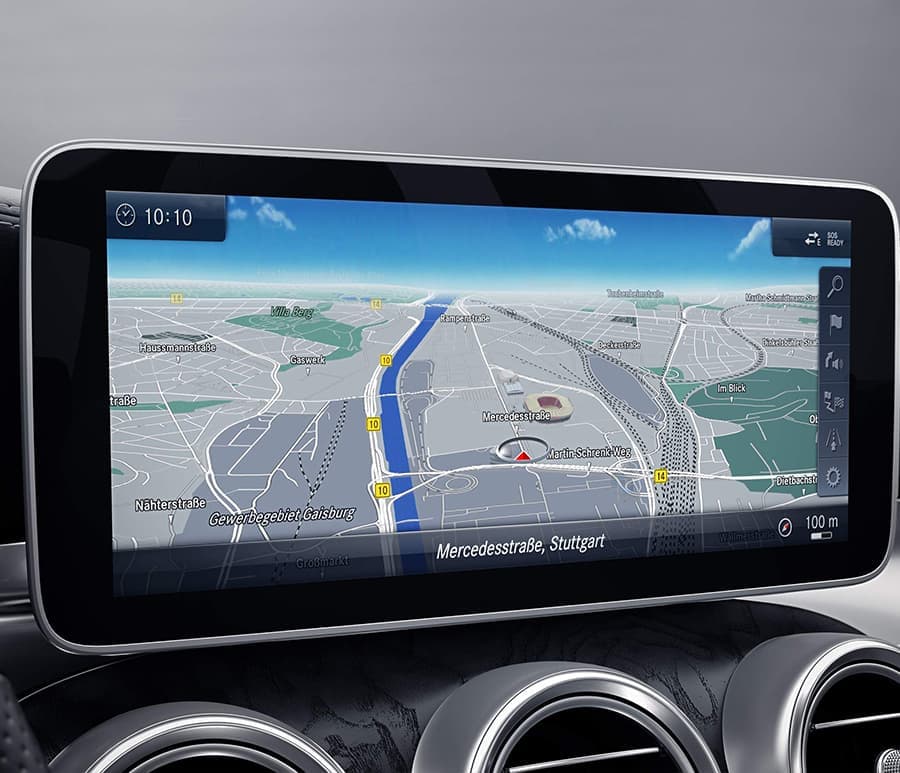
Map activation codes
Navigation map activation codes matched to your VIN, head unit and map region.
- Coverage from NTG3.5 to Gen20x
- VIN-verified before checkout
- Step-by-step installation guides
02
Mercedes car lookup
Look up your Mercedes build data, factory options and navigation system before planning an update.
- Factory options and SA codes
- Head-unit and region details
- Service history where available
03
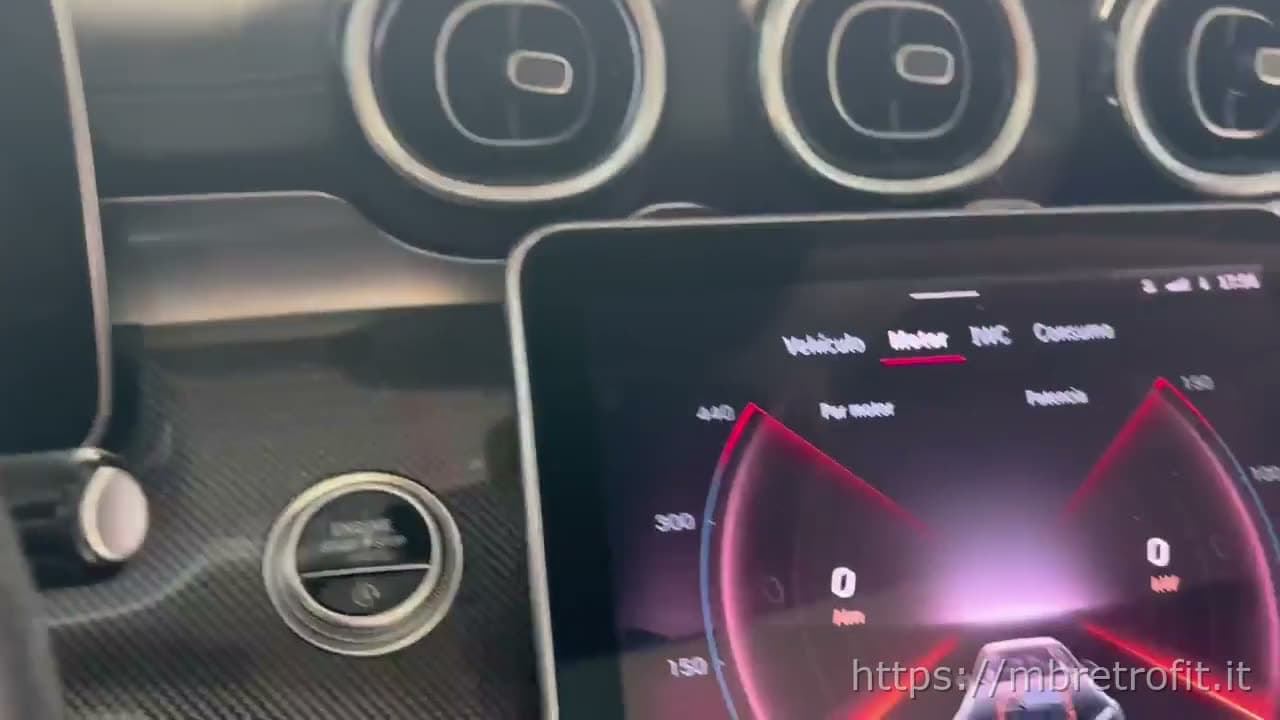
Vehicle coding
Explore coding options for your Mercedes. Availability depends on your model and installed hardware.
- Compatible feature unlocks
- VIN-specific compatibility review
- Remote coding options
Yeah, we have more for pros. See Professional
Coding gallery
Real cars. Real work.
Every photo is a Mercedes we actually shipped to. 29 chassis across map codes and remote coding.
AMG Drive Unit · Code U88W213(E) AMG menuCluster archive Distronic PRO + Stop & GoW213(E) AMG menuCluster archive Digital cluster · W213 / W238 / W463W213(E) CarPlay / Android Auto · W205 Audio20W205(C) pre-facelift AMG menuCluster archive Air Balance packageW222(S) pre-facelift Digital High 2×11″ clusterW177(A) 891 Premium Ambient · 64 colourW213(E) CarPlay / Android Auto · A / B / CLA / GLAW176(A) 3D motorised tweeters + ambientW213(E) W205 facelift digital clusterW205(C) pre-facelift Star Wave · Particle Flow · MeteorsW206(C) Race + Drift modeW206(C) Ambient-lit turbine ventsW213(E) Multibeam / Digital Light activationW177(A) AMG menuCluster archive U86 AMG steering wheelW213(E) AMG menuCluster archive
Open any photo for the cars it fits and its starting price.
Explore codingMap updates and car lookup
What owners say after they hit update.
Unedited comments from real Mercedes owners on our install video.
“I can confirm that it works. I updated my 2016 E400 navigation from the 2015 map to 2023 — takes about 50 minutes.”
@Vili69420E400 · W212 · 2016 “Awesome! Very simple installation process. You guys just saved me a lot of money for my 2015 GLK350. Thx!”
@Devious70GLK350 · X204 · 2015 “Thank you MBRetrofit I bought the map update for my 2021 Aston Martin DBX and it worked like a charm.”
@guypatterson8132DBX · Aston Martin · 2021 “Used this today on a 2016 W218. Worked without any issue.”
@philipdolan6493CLS · W218 · 2016 “I'm already using this. It's so easy — and it also gives you the car's service history straight from Mercedes servers.”
@Fehmi100YouTube comment “Fantastic, thank you.”
@nikolazagorac8237YouTube comment
Find the right map code. See its price.
Prices depend on your navigation system and map package. Check compatibility with your VIN before choosing an update.
A map activation code does not include a coding session or a region conversion.
VIN to map PIN.
- 1
Type your VIN
17 characters. We start the lookup before sign-in, then carry the VIN into your account.
- 2
Confirm the car
Sign in to see the lookup: model, chassis, region, NTG generation, and map-code context.
- 3
Buy the PIN when ready
Follow the guide for your system. Confirm the map version and region, then review the price and delivery before paying.
Want the full process first? Read the Mercedes map code guide and the DLM USB guide before you buy the PIN.
Enter your VIN
VIN check first. Sign in next. Generate your map PIN when the car asks for it.
Real questions. No sales pitch.
What can I do with my Mercedes VIN?
Your 17-character VIN identifies the car. Start with a lookup to check its build data, factory options and navigation system. These details help you choose a compatible map update or discuss a coding request. You will need to sign in to view the lookup. See what a Mercedes car lookup includes.
What does a Mercedes navigation map update include?
A map update installs newer navigation data on the car's built-in COMAND or MBUX system. The map files and activation code are separate: the code must match your VIN, navigation system, map version and region. Follow the map update guide or browse current map versions and prices.
How do I choose the right map region for an imported car?
Check the navigation system and region recorded for the car, rather than choosing only by where you live. An imported Mercedes may need a region conversion before it can use local maps. Check map coverage and read about region conversion before ordering.
What do I need to install the maps?
Follow the instructions for your navigation generation. The Mercedes Download Manager workflow needs a Windows computer, free space for the download and a suitable USB stick or SD card. Storage size and formatting depend on the map package and system. Prepare the media and confirm the version before buying its code. Read the Download Manager and USB guide.
How long does a map activation code take?
NTG3.5 through NTG5.5 codes can be generated automatically after payment and confirmation of the order details. NTG6, NTG7 and Gen20x orders require manual processing; orders outside working hours may wait until the next working day. Installing the maps in the car takes additional time. Check the delivery and installation instructions for your system.
Which Mercedes features can be enabled with coding?
Requests include AMG menus, lighting settings, MBUX features and region conversion. Support depends on the chassis, fitted hardware, software and region; seeing a feature on another car does not establish compatibility with yours. Send your VIN and the feature you want so we can check. Explore Mercedes coding and see real coding examples.
Find what fits your Mercedes.
Start with your VIN to identify your car, check its navigation system and explore compatible updates and coding options.
VIN check first. Sign in next. Generate your map PIN when the car asks for it.