Mercedes-Benz Map Update A1720046499 - NTG4.5 North America V20.0
Mercedes-Benz map update part number A1720046499 for NTG4.5 North America (V20.0). Download size: 2.0 GB. File system: FAT32.
- Part #:
- A1720046499
Trusted by ... Mercedes owners
Software Details
- Part Number
- A1720046499
- Version
- V20.0
- NTG System
- NTG4.5
- Region
- North America
- Download Size
- 2.0 GB
- File System
- FAT32
Country Coverage
United States · Canada · Puerto Rico · U.S. Virgin Islands
Why choose our map codes
Dealer-grade accuracy at a fraction of the cost.
VIN-matched coverage
Supported COMAND and MBUX cars get the map code path matched to the VIN.
Global Coverage
Map codes available for Europe, North America, Middle East, and more.
Delivery by system
Automatic generation for supported older systems; manual processing for newer MBUX codes.
Verified Codes
Every code is tied to your specific car - no guesswork.
The new way
Three steps.
Step 1
Prepare the USB
Follow the setup guide for your system, then start the update until the car asks for a code.
Map update setup guideStep 2
Confirm & pay from €40
Enter your VIN, then match the region and version to your USB. No dealer.
Step 3
Update your map
Enter the code when the car asks for the Map License Key.
Check Map Compatibility
Remote coding · gallery
We do more than map codes.
Remote vehicle coding for Mercedes owners - AMG menus on non-AMGs, Sport+ mode, Multibeam, CarPlay & Android Auto activation, Distronic PRO.
 W206AmbientW206 MBUX 2 · Particle Flow running
Star Wave · Particle Flow · Meteors
Remote coding from €80
 W206AMGW206 AMG Performance app
Race + Drift mode
Remote coding from €150
 amg-menu-archiveAMGmbretrofit.it · cluster archive
AMG menu · example 01
Remote coding from €150
 amg-menu-archiveAMGmbretrofit.it · cluster archive
AMG menu · example 08
Remote coding from €150
Here for a map code? Add remote coding to the same session.
Simple pricing
Pay for what you need, when you need it.
Map Code
Most PopularFrom €40/one-time
Get an activation code matched to your VIN and map package.
| Navigation system | Price |
|---|---|
| NTG3.5 | €40 |
| NTG4.5 to NTG5.5 | €50 |
| NTG6 | €80 |
| NTG7 | €250 |
| Gen20x | Europe€300Other regions€400 |
- VIN-specific activation code
- Automatic generation on supported systems
- Manual processing for NTG6, NTG7 and Gen20x
2 minutes to sign up. Bulk credits live the same day.
Car Lookup
€10/one-time
Dealer-level vehicle information from a VIN.
- Build data & options
- Instant delivery
- 24/7 automated service
2 minutes to sign up. Bulk credits live the same day.
Ready to update your navigation?
Type your VIN to find the map code for your car.
VIN check first. Sign in next. Generate your map PIN when the car asks for it.
Need guidance?
Watch the map tutorial and explore our guides to get the most out of your car.
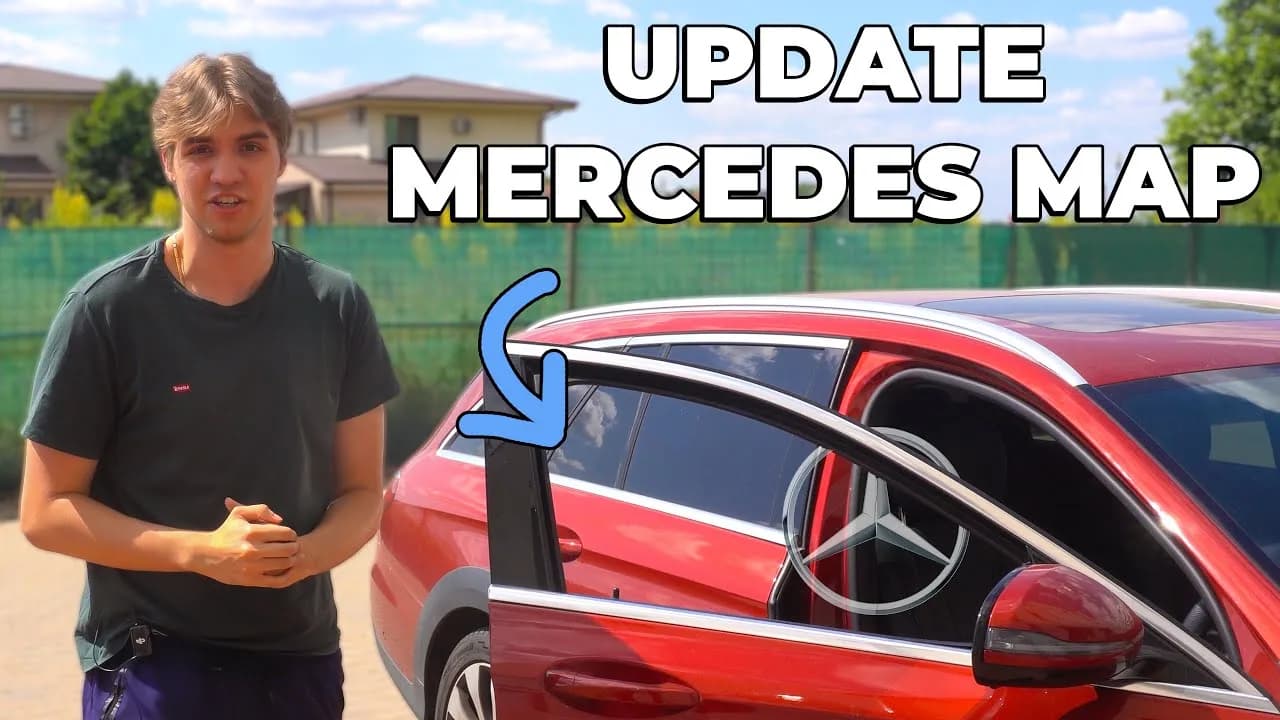
Browse our guides for step-by-step help, or visit our main landing page to explore everything in one place.